India

Quick answer
WordPress malware usually comes back because the first cleanup left something behind: a hidden uploader with a faked date, an unpatched plugin or theme, a stolen password, another infected site on the same account, or an infected backup. A lasting fix replaces core files, closes the way in, and monitors for changes.
Key takeaways
- A site that keeps getting hacked has often never stopped being hacked.
- Attackers leave several small files, and any one can restore the rest.
- File dates can be faked, so check when a file really changed.
- One infected site can reinfect others on the same hosting account.
- A clean scan is a good sign, not a guarantee.
Jump to section
“We cleaned it. Why is it hacked again?”
If you’ve asked this, you may not have been hacked twice. More likely, you were hacked once and the first cleanup didn’t finish the job. We know because it happened on a cleanup of our own.
What happened on one of our cleanups
We were cleaning a set of WordPress sites that shared one hosting account. The infection had started through an old theme on one site, then spread across the account. We removed hundreds of malicious files over several passes, and the final scan came back empty.
The next day, about 1,500 malicious files were back.
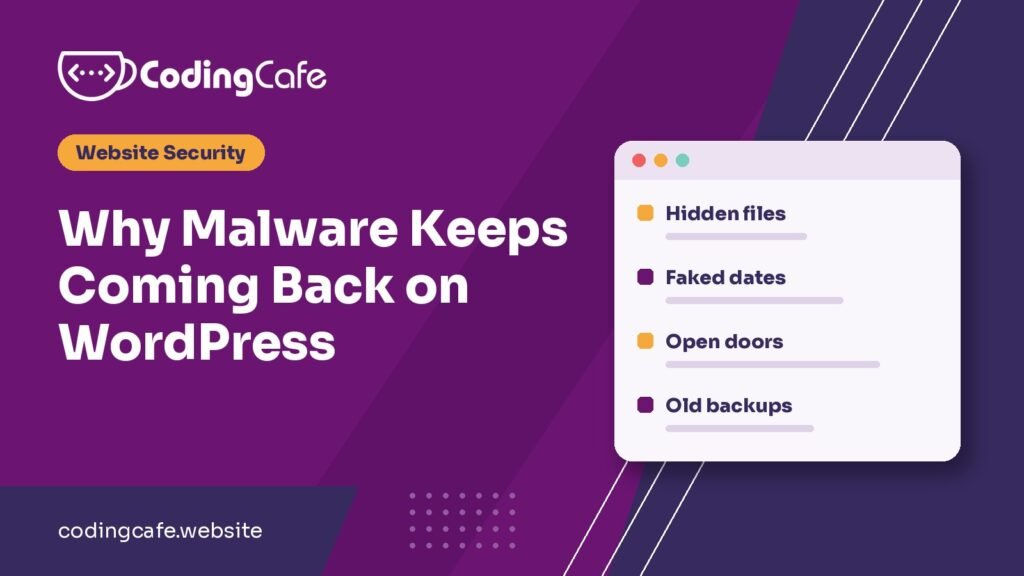
Here’s what we’d missed. Our first passes focused on the wp-content folder, because that’s where malware usually lives. But small uploader scripts were also hiding in the main website folder and in WordPress’s own core folders. Their dates had been faked to look like they’d been there since 2020, so they looked old and harmless.
Those few files were all the attacker needed to come back.
Five reasons malware comes back
1. A hidden way back in survived
Attackers don’t rely on one file. They leave several small ones in different places, and each can restore the rest. If even one survives, the whole infection can return, sometimes within hours.
2. File dates can’t be trusted
Sorting files by date to find what’s new sounds sensible, but those dates can be changed. Servers also keep a separate record of when a file actually changed, which is much harder to fake. That’s the one to check.
3. The way in was never closed
Deleting malware doesn’t fix an outdated plugin, an abandoned theme or a stolen password. If the door is still open, someone can simply walk back in.
4. Another site on the account is still infected
On many shared hosting accounts, every website runs under the same server user. Clean one site and leave another infected, and the clean one can be reinfected. Old staging copies and forgotten campaign sites are common hiding places.
5. A backup brought it back
Restoring a backup feels like a clean start, but malware can sit quietly for weeks. In our case the first files arrived almost a month before the cleanup. A recent backup can easily include the infection.
What finally worked
- We replaced WordPress core completely with fresh official files, instead of checking the old ones one by one.
- We allowed only known files in the main website folder. Anything else was moved out and reviewed.
- We searched every remaining file for code pointing at the removed malware. This matters more than it sounds. Some injected lines in configuration and plugin files were still looking for files we’d deleted, which made several sites hang until those lines were removed too.
- We blocked PHP from running in the uploads folder, since images and documents never need it.
- We removed inactive plugins and enabled updates, then turned on a firewall, login limits and two-factor login for administrators.
- We set up an hourly check for changed files, using the real change time, not the displayed date.
Repeat checks over the following weeks stayed clean. The monitoring also raised false alarms at first, including on our own security files, so expect to tune it during the first few days.
Most of that list is ordinary WordPress hardening. It costs far less to put in place before a hack than to add during a cleanup.
How to tell if your cleanup was really finished
Ask whoever cleaned your site these five questions. A good provider will answer them without hesitating:
- How did the attacker get in, and has that been fixed?
- Was WordPress core replaced or compared against the official files?
- Did you check every site on the hosting account, including old copies?
- Were all passwords changed after the cleanup, and were the security keys in the configuration file reset?
- What will tell us if it happens again?
“We ran a scan and it’s clean” isn’t enough. Scanners miss things, as our own example shows. A clean scan is a good sign, not a guarantee.
Still seeing signs?
If you’re not sure whether your site is clear, start with these 7 signs of a hacked WordPress site. If your site keeps getting hacked, talk to us and we’ll look at why, and explain what we find without the jargon.
Is my cleanup really finished?
0 of 8 done
Frequently asked questions
Why does my WordPress site keep getting hacked?
Usually because the first cleanup left a hidden file behind or never closed the way in, such as an outdated plugin, an old theme or a stolen password. Other infected sites on the same hosting account can also reinfect it.
Can I just restore a backup to remove malware?
Only if you are sure the backup is older than the infection, and you still need to close the way in. Malware can sit quietly for weeks, so a recent backup may contain it.
Is a malware scanner enough?
A scanner is useful, but it can miss files. It is safer to also compare WordPress core against the official files and to check when files really changed.
Do security plugins stop malware coming back?
They help, especially with a firewall and login limits, but they cannot remove a hidden file they do not detect. Clean the site fully first, then use one to protect it.
How long does a proper cleanup take?
It depends on how many sites are affected and how far the infection spread. A single simple site can be quick, while several linked sites need repeated passes and follow-up checks.
Talk to us about your hacked site
Tell us what you are building and we will suggest the simplest path that fits your budget and timeline. No obligation.