 India
India

Quick answer
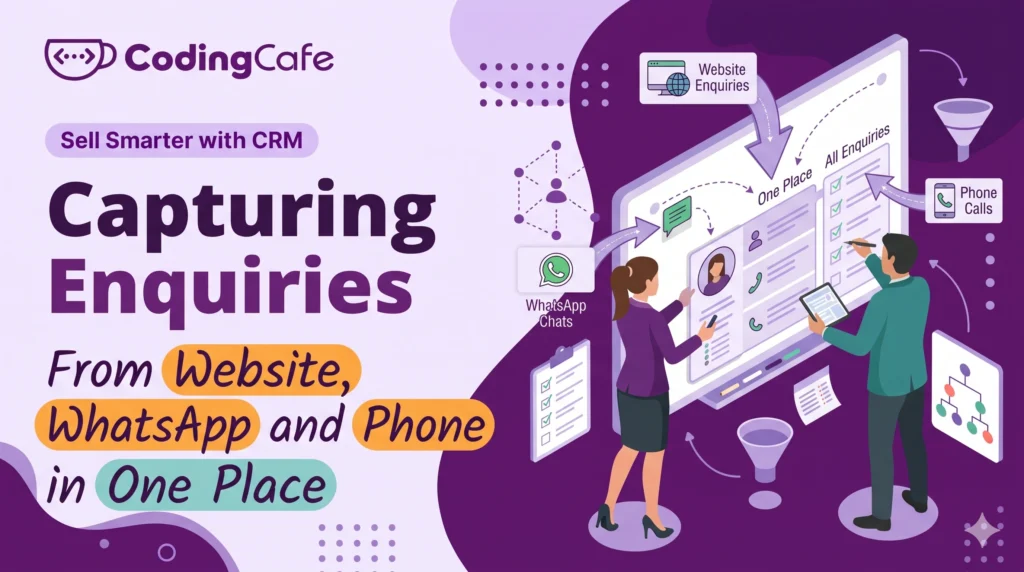
Enquiries reach a business through three kinds of door: website and portal forms, WhatsApp and social messages, and phone calls or walk-ins. Forms should create a CRM record directly with an owner and a reply deadline; WhatsApp starts with a one-line habit, moves to a business number, and ends connected to the CRM; calls need a logging rule or cloud telephony. Set a first-response target per door and let the CRM flag overdue enquiries.
Key takeaways
- List every door first; most businesses find twice as many as they expected and capture about half.
- Website forms: few fields, straight into the CRM, with an owner and a first-reply task set automatically.
- WhatsApp: one-line habit today, company-owned business number next, API connection to the CRM eventually.
- Speed matters as much as capture; a first-response target per door is what turns enquiries into calls.
You have your stages and you know what to record. Now the practical problem: enquiries do not arrive in a CRM. They arrive on a phone, in a WhatsApp chat, in an inbox, through a website form, on Instagram, and at the front desk.
If each of those has to be retyped into the CRM by hand, two things happen. Some never get typed. And the ones that do get typed late, after the first response window has closed.
This lesson is about closing that gap, one door at a time.
First, Count the Doors
Most small businesses underestimate how many ways an enquiry can reach them. A real estate agency listed theirs and found nine: website form, a property portal, two phone numbers, WhatsApp on each, Instagram messages, Facebook messages, walk-ins and referrals by phone to individual agents.
Nine doors, one spreadsheet, and a sheet that captured roughly half.
Write your own list before reading on. The doors fall into three kinds, and each kind is captured differently.
Door 1: The Website
This is the easy one, and the one most often done badly. A website form should create a record in the CRM the moment it is submitted, with the source set to “website” and the page it came from noted. No inbox in between, no copy and paste.
Three things make a website form capture well:
- Few fields. Name, phone, what they want. Every extra field loses enquiries. Ask the rest on the call.
- Straight into the CRM. Most form tools can send submissions to another system. A custom CRM simply has the form built in.
- An owner and a deadline, automatically. The new record should land with someone’s name on it and a “first reply” task due within the hour.
The same applies to enquiry forms on property portals, marketplaces and ad platforms. They usually offer an export or a connection. Use it, or at the very least forward the notification email to an address the CRM reads.
Door 2: WhatsApp and Messages
For many Indian businesses this is the main door, and it is the hardest to capture because the conversation lives on someone’s phone.
There are three levels, from simplest to most complete.
Level 1: The one-line habit
Every new WhatsApp enquiry gets one line in the CRM before the reply is sent: name, number, what they want. It takes twenty seconds. It works only if the team agrees that an enquiry not in the CRM did not happen, and the owner checks.
Level 2: One business number
Move enquiries from personal numbers to one WhatsApp Business number that the company controls. Enquiries stop leaving with employees, and the chat history can be exported or synced. Personal numbers stay for personal use.
Level 3: Connected to the CRM
With the WhatsApp Business API, a new chat from an unknown number creates a CRM record automatically, replies are sent from inside the CRM, and the whole conversation sits on the customer’s record. Several people can answer from one number. This is where the manufacturing distributor who lost two years of dealer chats with a departing sales head ended up, and it is the level a custom CRM is usually built to.
Start at Level 1 today. Plan for Level 3.
Instagram and Facebook messages follow the same path: a habit first, then a connection through the platform’s business tools.
Door 3: Phone Calls and Walk-Ins
Calls are the enquiries most likely to vanish, because nothing is written down unless someone writes it.
Two fixes, one cheap and one proper.
Cheap: a rule that every enquiry call ends with a CRM entry before the next call, and a missed-call check twice a day where every unknown number gets a callback and a record. A printed card by the phone with the five fields helps more than it should.
Proper: a virtual number or cloud telephony service that logs every incoming call, records it, and pushes the number and recording into the CRM. Missed calls become records with a callback task. The front desk and the field team share one number and one history.
Walk-ins get a tablet or a phone at the desk with the same five-field form the website uses. Same form, same record, same source field set to “walk-in”.
The First Response Window
Capturing an enquiry is half the job. The other half is answering it fast, because the customer has usually messaged two or three businesses at once.
Set a target per door and let the CRM enforce it:
Website and portal: reply within 1 hour in working time — WhatsApp and messages: within 15 minutes — Missed call: callback within 2 hours — Overdue: owner alerted, enquiry shown in red on everyone’s screen
An immigration consultancy that moved from “reply when free” to a fifteen-minute WhatsApp target found that the share of enquiries booking an eligibility call went up noticeably within a month, with no change to marketing. The enquiries were always there. They were being answered after the customer had moved on.
One Record, Not Three
Customers use more than one door. The same person fills in the website form, then WhatsApps to ask whether anyone saw it, then calls.
A CRM should recognise the phone number or email and attach all three to one record, so your team does not treat them as three new leads and reply three times. If you are capturing by hand, searching the CRM by phone number before creating a record is the habit that prevents it.
What to Set Up This Week
You do not need the full connected setup to start. In order of effort:
- List every door your enquiries come through.
- Agree the one-line habit for WhatsApp and calls, and the rule that unrecorded enquiries do not count.
- Cut your website form to three or four fields and make sure every submission reaches one place with an owner.
- Move customer chats to a business number the company owns.
- Set a first-response target per door and check it weekly.
When you are ready for the connected version, where forms, WhatsApp and calls all create records on their own, that is a design decision about the CRM itself, and one of the main reasons businesses choose a CRM built around their doors rather than a generic one with add-ons bolted on.
Next lesson: the follow-up rules that turn a captured enquiry into a sale, which is the part of a CRM that actually makes money.
Check what you learned
3 quick questions. Pick an answer and see why.
What is the first step in capturing enquiries properly?
Which WhatsApp setup stops enquiries leaving with a departing employee?
A customer fills in the website form, then WhatsApps, then calls. What should the CRM do?
You finished Lesson 3
Up next · Lesson 4 Follow-Up Rules: The Part of a CRM That Makes Money Read the next lesson Previous: Lesson 2 · What Should a CRM Know About Each Customer?
Planning a CRM for your business?
We design and build CRMs around the way your team already works. Tell us about your process and we will suggest the simplest setup that fits.

