 India
India

Quick answer
A CRM is paid for in one of two ways: a subscription per user per month, or a one-time custom build with a smaller yearly support cost. For a small team the subscription is cheaper in year one; around year three a custom CRM usually overtakes it, sooner if the team grows. Either way, budget for setup, moving your data and a month of slower work, which no price list shows.
Key takeaways
- Compare three-year totals, not the first month; per-user pricing multiplies quietly.
- Subscriptions win for one to three users with an ordinary process; custom wins for larger teams, unusual processes and integrations.
- Setup, data migration, training and later changes are real costs on both routes.
- All figures in this lesson are illustrative ranges; get real quotes before deciding.
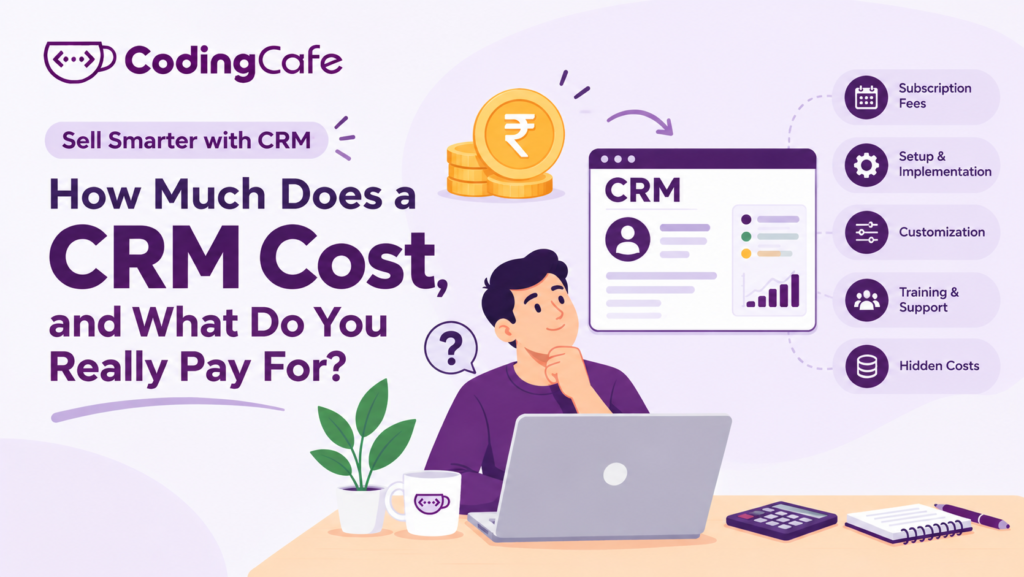
“How much does a CRM cost?” is the question every owner asks first and every vendor answers last. The honest answer has two parts: what you pay the software company, and what you pay in everything else. The second part is usually bigger, and it is the part nobody puts on the pricing page.
This lesson walks through both, with ranges you can use for a rough budget. All figures are illustrative, in Indian rupees, rounded, and based on what small and medium businesses typically see in 2026. Your quotes will differ. The point is the shape of the cost, not the exact number.
The Two Ways to Pay for a CRM
Almost every option falls into one of two models.
Neither is always cheaper. Which one wins depends on how many people use it, for how long, and how unusual your process is.
What a Subscription CRM Costs
Ready-made CRMs are priced per user per month, usually in tiers. Illustrative ranges:
- Free or starter tiers: ₹0 to ₹800 per user per month. Contacts, a basic pipeline, limited automation. Fine for one or two people.
- Standard tiers: ₹1,000 to ₹2,500 per user per month. Automation, reports, email integration. Where most small teams end up.
- Professional and enterprise tiers: ₹3,000 to ₹8,000 or more per user per month. Advanced reporting, roles, API access, industry add-ons.
The per-user figure looks small. Multiply it out:
8 users × ₹1,800 per month × 12 months = ₹1,72,800 per year — ₹5,18,400 over three years (illustrative)
Then the quiet additions. The feature you need turns out to be one tier up. WhatsApp or telephony integration is a paid add-on. Extra storage. Extra automation runs. A manufacturing distributor who budgeted ₹1.5 lakh a year found the real bill closer to ₹2.8 lakh once the field sales team, the add-ons and the tier upgrade were in.
None of this is dishonest. It is how per-user pricing works. It just needs to be budgeted at the real number.
What a Custom CRM Costs
A custom build is priced as a project. Illustrative ranges for a small or medium business in India:
- Simple: ₹1.5 to ₹4 lakh one-time. Contacts, pipeline, follow-up tasks, a few reports, built around one clear process.
- Standard: ₹4 to ₹10 lakh one-time. Several user roles, automation, WhatsApp and website capture, document handling, industry-specific stages.
- Larger: ₹10 lakh and up. Integrations with accounts or ERP, multiple branches, customer portals, mobile apps.
- Yearly after launch: typically 10 to 20 percent of the build cost for hosting, support and small improvements.
Put the same eight-user business against a standard custom build at, say, ₹6 lakh with ₹90,000 a year afterwards. Year one costs more than the subscription. By the end of year three the two are close, and from year four the custom CRM is cheaper every year, with no per-user charge when the ninth and tenth salespeople join.
That crossover, somewhere around year three, is the number to watch. If you expect to grow the team, it arrives sooner. If you expect to stay at two users, it may never arrive, and the subscription wins.
The Costs That Are Not on Any Price List
Whichever model you pick, four costs appear that the price list does not mention. Budget for them or they will arrive as surprises.
Setup and configuration
Stages, fields, users, templates, automations. A ready-made CRM is “ready” the way a flat-pack wardrobe is ready. Either someone in the business spends days on it or you pay a consultant, commonly ₹25,000 to ₹1.5 lakh. A custom build includes this, because the setup is the build.
Moving your data
Those spreadsheets from the last lesson have to be cleaned, de-duplicated and imported. For a few hundred customers this is an afternoon. For years of messy data it is a small project of its own.
Training and the slow weeks
For the first few weeks, the team is slower, not faster. Count on a few hours of training per person and a month of reduced output. This cost is real and it is the one most owners forget.
Changes later
Your process will change. With a subscription, you change settings yourself, within what the product allows. With a custom CRM, you ask for a change and pay for the hours, but there is no “the product cannot do that”.
When Ready-Made Is the Right Call
Being fair to subscriptions, they are the better choice when:
- Your sales process is ordinary and you are happy to follow the product’s way of working.
- You have one to three users and no plan to grow the team soon.
- You want to start this week and learn what you need before committing to anything.
Plenty of businesses start on a subscription, learn their process on it, and move to a custom build once they know exactly what they want. That is a sensible path, not a wasted one.
When Custom Pays Back
A custom CRM tends to win when:
- Your process has stages or documents a generic product does not understand, like visa filings, site visits and unit inventory, or dealer quotes and repeat order cycles.
- You have, or will have, six or more users, so per-user pricing adds up.
- You need it to talk to systems you already run, such as accounts, production or a customer portal.
- You want to own the system and the data outright.
If two or more of those apply, ask for a quote on a CRM built around your process before signing a three-year subscription. The comparison is cheap to make and expensive to skip.
A Simple Way to Budget
Whatever you choose, run this five-line sum before deciding:
- Users today, and users in three years.
- Monthly subscription for that many users at the tier you actually need, times 36.
- Or: build cost plus three years of support.
- Add setup, data move and a month of slower work to both.
- Compare the three-year totals, not the first month.
The first month is what the price list shows you. The three-year total is what you pay.
Cost is the sensible objection to a CRM. The next lesson deals with the less sensible ones: the five myths that stop small businesses from getting started at all.
Check what you learned
3 quick questions. Pick an answer and see why.
Why does a subscription CRM often cost more than the pricing page suggests?
An eight-person team expects to double in two years. Which route is likely cheaper over three years?
Which cost is most often forgotten in a CRM budget?
You finished Lesson 4
Up next · Lesson 5 5 CRM Myths That Stop Small Businesses Read the next lesson Previous: Lesson 3 · Spreadsheet or CRM: 7 Signs You Have Outgrown Excel
Planning a CRM for your business?
We design and build CRMs around the way your team already works. Tell us about your process and we will suggest the simplest setup that fits.

