 India

Quick answer
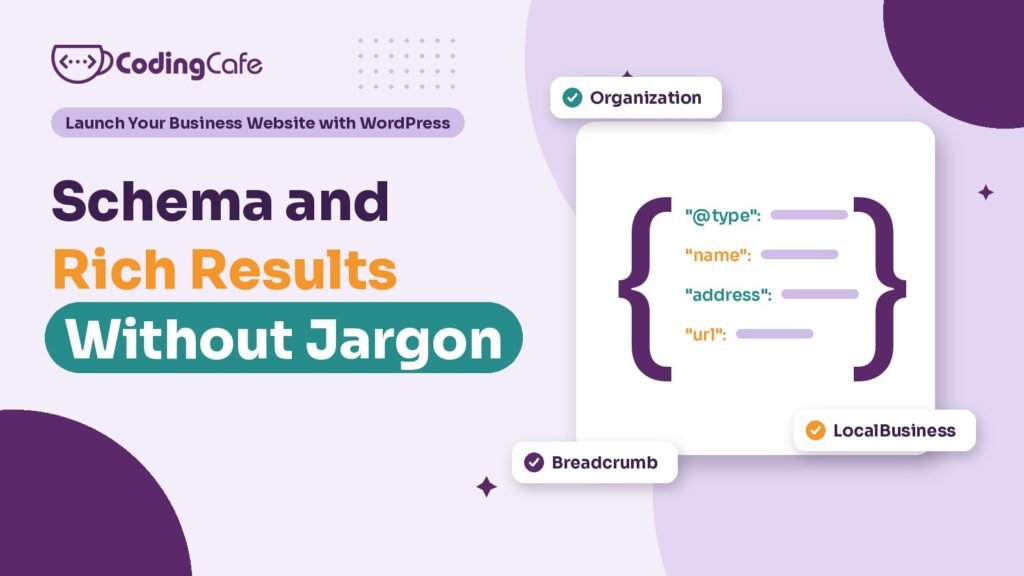
Schema markup is hidden code that labels facts like your name, address and services for search engines. Most small businesses need only Organization or LocalBusiness, Service, Article and Breadcrumb schema. It makes you eligible for rich results but guarantees none; Google stopped FAQ rich results on May 7, 2026, and does not show stars for reviews of your own business.
Key takeaways
- Schema labels facts for search engines; rich results are extras Google may or may not show.
- FAQ rich results stopped on May 7, 2026 and HowTo in 2023; FAQPage markup is still valid but adds no extra space.
- Most service businesses need Organization or LocalBusiness, Service, Article and Breadcrumb schema, nothing more.
- Reviews of your own business on your own site cannot earn stars; get them on Google Business Profile instead.
- Keep schema in one plugin and test it with the Rich Results Test and the Schema Markup Validator.
Schema is the part of SEO where sales pitches get the wildest. “Add schema and get star ratings in Google.” “Our plugin adds forty schema types.” “FAQ schema will double your space in results.”
Some of that was true once. A lot of it is not true now.
This lesson explains what schema is in plain words, which few types a small business actually needs, and what still changes how you look in Google as of November 2026. It is the last lesson on being found, and the shortest list of things to do.
What Is Schema Markup, Really?
A visitor reading your contact page knows that “SCO 24, Zirakpur” is an address and “98xxx xxxxx” is a phone number. A search engine has to guess. Schema markup removes the guessing. It is a block of code, invisible to visitors, that labels the facts on a page: this is the business name, this is the address, these are the opening hours, this article was written by this person on this date.
The labels come from a shared vocabulary at schema.org that Google, Bing and others agree on. On WordPress you almost never write it by hand. Rank Math, the SEO plugin from the SEO basics lesson, adds most of it from settings you fill in once.
Two words get mixed up, so it helps to separate them:
What Changed With FAQ and HowTo Results?
For years, adding FAQ schema to a page could make Google show your questions right under your link, pushing competitors further down. Every agency added it to every page. Google first cut it back to a small group of well-known sites in 2023, and on May 7, 2026 stopped showing FAQ rich results altogether.
HowTo rich results, the step-by-step listings, were removed in 2023.
That does not make FAQ markup wrong. FAQPage is still valid schema, and Google still reads it to understand the page. A good questions section on a service page is still worth having, because customers read it. Just do not expect extra space in results from it, and do not pay anyone who promises that.
Schema is a label, not a lever.
Which Schema Types Does a Small Business Need?
Take a real estate agency in Zirakpur with a home page, pages for buying, selling and renting, a few locality pages and a blog. It needs a handful of types, not forty.
- Organization: who you are. Name, logo, website, phone and your official social profiles. It helps Google connect your site, your logo and your profiles as one business. Set it once in Rank Math’s settings.
- LocalBusiness: the local version, with address, phone, opening hours and map location. Choose the closest subtype; schema.org has one called RealEstateAgent, and others for dentists, restaurants and many more. The details must match your Google Business Profile exactly, which the local SEO lesson covered.
- Service: describes what a service page offers and where. There is no rich result for it. It is there to help search engines understand the page, which is still worth the two minutes.
- Article: for blog posts. Headline, author, dates and image. Rank Math adds it to posts by default; check the author is a real person with a profile, not “admin”.
- BreadcrumbList: the trail from home to the current page, such as Home, Buy, Flats in Zirakpur. Google can show it in place of the plain address in results, and it shows the site’s structure. Turn on breadcrumbs in Rank Math and show them on the page too.
That is the whole list for most service businesses. Shops add Product schema, which WooCommerce and Rank Math handle together, and events or courses have their own types. If someone proposes much more than this for a ten-page site, ask what each type is for.
Can You Get Star Ratings for Your Business?
This is the question every owner asks, and the honest answer is usually no.
Google’s rules for review snippets say that a business cannot get stars in results for reviews of itself shown on its own website. If the agency collects testimonials, adds Review or AggregateRating markup about its own LocalBusiness or Organization, and hopes for gold stars under its link, Google calls that self-serving and ignores it. Stars can still appear for things like products, recipes or books, where the reviews are about an item rather than the business.
Where do business stars come from, then? Your Google Business Profile. Reviews there show on Maps and in the local results, which is where a person looking for an agency in Zirakpur sees them first. Put your effort into asking happy clients for a Google review, and show real testimonials on your site as plain text, without the rating markup.
Never mark up reviews that do not exist or ratings you made up. Beyond being dishonest, it can earn a manual action from Google that removes rich results from the whole site.
How Do You Set It Up in WordPress?
In Rank Math the work is mostly one settings screen and a check on each page type.
- Business details: under Titles and Meta, Local SEO, choose Organization or a local business type, then fill in the name, logo, address, phone, hours and social profiles.
- Default schema per content type: under Titles and Meta, set posts to Article and leave pages without a type unless they need one.
- Service pages: open each one, go to the Schema tab and add a Service type with a short description and the area you serve.
- Breadcrumbs: enable them in Rank Math’s general settings and place them on your page templates.
One warning that comes up often. Many themes, page builder add-ons and review plugins add their own schema too. Run two of them and a page can end up describing the agency as two different businesses with two different addresses. Keep schema in one place, your SEO plugin, and turn it off everywhere else.
How Do You Check It Is Working?
You do not need to read code. Two free tools do it for you:
Rich Results Test (search.google.com/test/rich-results) — shows which rich results a page is eligible for. Schema Markup Validator (validator.schema.org) — shows every type on the page, including ones with no rich result.
Paste in your home page, one service page and one blog post. Look for errors in red, and for anything that appears twice. Then, a few weeks later, open the Enhancements section in Search Console, which you set up in the indexing lesson. It lists breadcrumbs and other types Google found across the whole site, with any problems.
Warnings about optional fields are usually fine. Errors are not. And if the test passes but no rich result appears, that is normal; eligibility is all schema can give you.
If you want your business details, service pages and breadcrumbs marked up once, cleanly, with nothing duplicated by the theme, we set that up as part of WordPress development. The picker below gives you a rough estimate for your kind of site.
What Comes Next?
That completes being found: clean pages, a profile on the map, an indexed site and clear labels. A site that loads slowly loses visitors before any of that pays off, though. Module 4 starts with why your WordPress site is slow and how to fix it, in plain words and without chasing a perfect score.
Check what you learned
3 quick questions. Pick an answer and see why.
What does adding schema markup guarantee?
Schema labels the facts. Whether a rich result appears is always Google's decision.
A real estate agency adds rating markup to testimonials about itself on its own site. What happens?
Review snippets for a LocalBusiness or Organization about itself are not eligible. Business stars come from Google Business Profile reviews.
What changed with FAQ rich results in 2026?
The markup is still read and still valid; it just no longer earns the extra question listing in results.
Want your site marked up properly?
Pick what your site needs and get a rough estimate for a WordPress build with clean schema, breadcrumbs and business details set up once.
You finished Lesson 4
Module 4: Speed and Security · Up next · Lesson 1 Why Your WordPress Site Is Slow and How to Fix It Read the next lesson Previous: Lesson 3 · Sitemaps, Search Console and Getting Indexed
Planning a WordPress website?
We build fast, secure WordPress sites for businesses and look after them after launch. Tell us what the site must do and we will suggest the simplest build that fits.

