 India

Free WordPress course by CodingCafe
Launch Your Business Website with WordPress
Plan, build, rank and run a business website on WordPress, one short lesson at a time.
A free course for business owners and marketing teams who want a website that brings enquiries, not just a nice-looking brochure. Plan the site, build it properly, get found on Google, keep it fast and safe, and run it month after month. Build it yourself, or learn enough to brief and judge whoever builds it for you.
- 5modules
- 22lessons
- 151min of reading
Module 1
Plan Your Website
What the site must do, which pages it needs, what to buy and what it should cost, before anyone opens WordPress.
 L1
Read
Lesson 1 · 6 min read
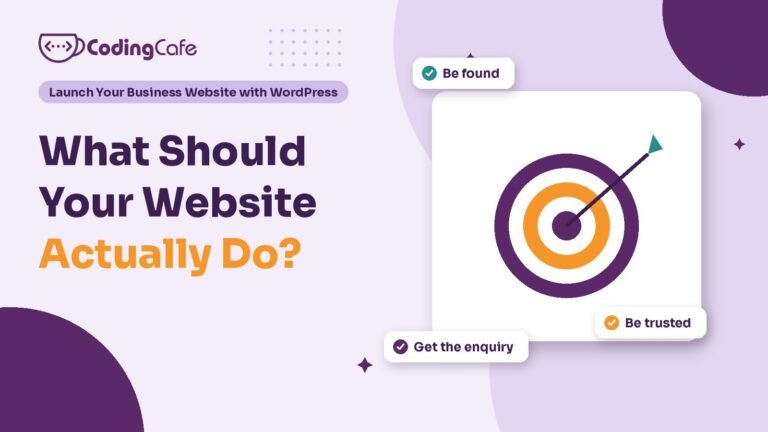
What Should Your Business Website Actually Do?
A business website has three jobs: be found when customers search, be trusted within seconds, and turn visits into enquiries. Before building, write one goal line…
 L2
Read
Lesson 2 · 7 min read
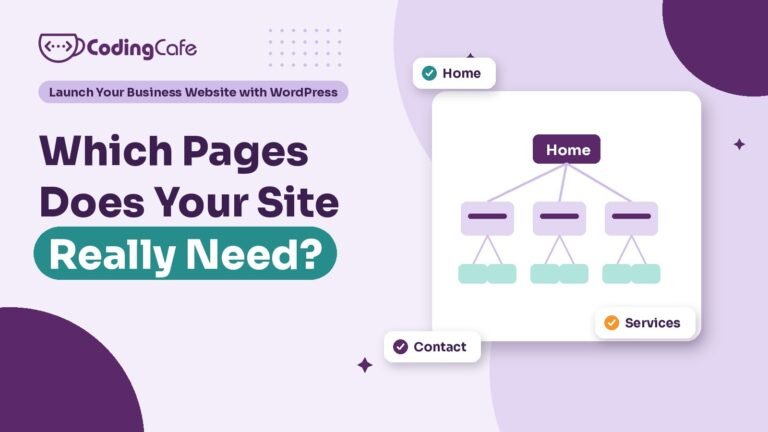
Which Pages Does a Small Business Website Need?
Most small business websites need a home page, one page per service, an about page, a contact page, a privacy policy and a thank-you page, plus…
 L3
Read
Lesson 3 · 8 min read
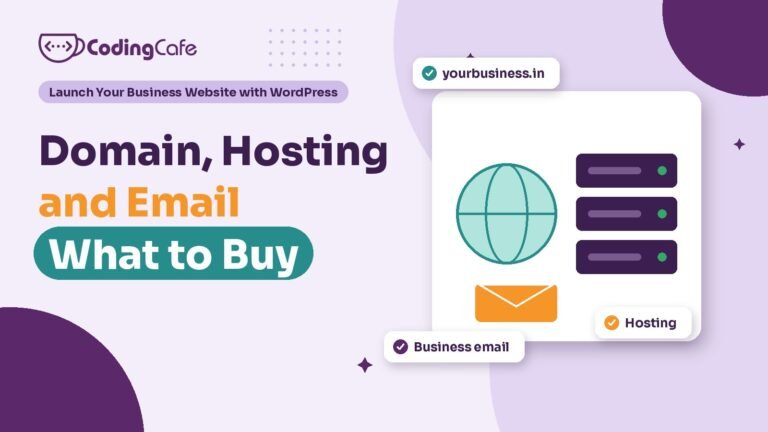
Domain, Hosting and Email: What to Buy and What to Avoid
A domain is your web address, hosting is the server your site runs on, and business email can come from your host or a provider like…
 L4
Read
Lesson 4 · 6 min read
How Much Does a WordPress Website Cost in India?
As of November 2026, an agency-built WordPress business website of 5 to 10 pages costs about ₹40,000 to ₹60,000 in India, and e-commerce ₹60,000 to ₹2,00,000.…
 L5
Read
Lesson 5 · 6 min read
WordPress, Wix or Shopify: Which Fits Your Business?
Choose WordPress when search, content and enquiries matter and you want to own the site. Choose Wix for a small, simple site nobody will maintain. Choose…
Module 2
Build It Right
Installing WordPress, choosing a theme or builder, writing the pages, and making every enquiry reach you.
 L1
Read
Lesson 1 · 7 min read
Installing WordPress the Right Way: The First Hour
Install WordPress with your host's one-click installer on an https domain, with a unique admin username and a strong password. Then set permalinks to Post name…
 L2
Read
Lesson 2 · 6 min read
Themes and Page Builders: Elementor, Blocks or Custom?
Elementor is the easiest to design with and hand over, but adds weight, needs a yearly Pro licence and ties layouts to the plugin. The block…
 L3
Read
Lesson 3 · 6 min read
Writing Your Home Page and Service Pages
The top of your home page should say what you do, who it is for and where, with one clear button. Below it, link each service,…
 L4
Read
Lesson 4 · 6 min read
Contact Forms, WhatsApp and Calls That Reach You
Offer the routes your customers use, usually WhatsApp, a call button and a short form. Send form emails through an SMTP plugin, save a copy of…
 L5
Read
Lesson 5 · 6 min read
Plugins: Which Ones You Need and Which Ones Hurt
Most business sites need one plugin per job: SEO, caching, security, backups, and forms with SMTP, plus a page builder or WooCommerce if used. Avoid duplicates,…
Module 3
Get Found on Google
Titles and descriptions, local SEO and your Google Business Profile, indexing, and schema.
 L1
Read
Lesson 1 · 8 min read
WordPress SEO Basics: Titles, Descriptions and One H1
Basic WordPress SEO comes down to four things on every important page: a unique title of about 60 characters with the service and place near the…
 L2
Read
Lesson 2 · 8 min read
Local SEO: Google Business Profile and City Pages
Local SEO starts with a verified Google Business Profile: your real name, exact address, a specific primary category, true secondary ones and correct hours. Use the…
 L3
Read
Lesson 3 · 8 min read
Sitemaps, Search Console and Getting Indexed
Turn on Rank Math's sitemap, verify your site in Google Search Console and submit sitemap_index.xml once. Import the site into Bing Webmaster Tools and switch on…
 L4
Read
Lesson 4 · 7 min read
Schema and Rich Results Without the Jargon
Schema markup is hidden code that labels facts like your name, address and services for search engines. Most small businesses need only Organization or LocalBusiness, Service,…
Module 4
Speed and Security
A fast site, safe logins, backups you can restore, and what to do if the site gets hacked.
 L1
Read
Lesson 1 · 8 min read
Why Your WordPress Site Is Slow and How to Fix It
Most WordPress sites are slow because of oversized images, no page caching, heavy plugins and scripts, too many fonts or weak hosting. Test the mobile version…
 L2
Read
Lesson 2 · 7 min read
WordPress Security Basics Every Owner Should Set Up
Name one person who applies WordPress updates every week, delete unused plugins, give every user their own login with two-factor and the lowest role they need,…
 L3
Read
Lesson 3 · 6 min read
Backups: How to Make Sure You Can Always Restore
Back up both the database and the files. Back up the database daily if your site takes enquiries or orders, and always before updates. Keep at…
 L4
Read
Lesson 4 · 7 min read
Your WordPress Site Got Hacked: What to Do First
Do not start deleting files. Note what you saw, take a full copy labelled infected, secure the hosting, domain and email accounts with new passwords and…
Module 5
Run and Grow
Monthly maintenance, measuring enquiries, a blog that brings customers, and hiring the right developer.
 L1
Read
Lesson 1 · 7 min read
The Monthly WordPress Maintenance Checklist
Once a month, confirm a fresh off-site backup, update plugins, theme and WordPress core one at a time, test every form and the WhatsApp and call…
 L2
Read
Lesson 2 · 7 min read
Measuring Your Website: Enquiries, Not Just Visitors
Measure enquiries, not just visitors. Use Google Analytics 4 to track form submissions, WhatsApp clicks and call clicks as key events, and Microsoft Clarity to see…
 L3
Read
Lesson 3 · 7 min read
Adding a Blog That Brings Customers
A business blog brings customers when each post answers a question real customers already ask, found from calls, WhatsApp chats and Search Console. Publish one thorough…
 L4
Read
Lesson 4 · 7 min read
Hiring a WordPress Developer: Brief, Quote and Red Flags
Before hiring a WordPress developer, write a short brief with your goal, page list, features, content and budget, and send the same brief to everyone. Compare…
Planning a WordPress website?
We build fast, secure WordPress sites for businesses and look after them after launch. Tell us what the site must do and we will suggest the simplest build that fits.

