 India
India
Free CRM course by CodingCafe
Sell Smarter with CRM
Learn CRM one short lesson at a time: from "what is a CRM?" to running your sales and customer relationships on one.
A plain-English series for business owners and teams. Each lesson answers one question about Customer Relationship Management, with examples you can apply straight away.
- 5modules
- 23lessons
- 128min of reading
Module 1
CRM Foundations
What a CRM is, what it changes, and how to tell whether your business needs one.
 L1
Read
Lesson 1 · 4 min read
What Is a CRM? A Simple Guide for Businesses
A CRM (Customer Relationship Management) system keeps all your customer information in one place: contacts, enquiries, conversations, follow-ups and notes. Instead of searching spreadsheets, inboxes and…
L1
Read
Lesson 1 · 4 min read
What Is a CRM? A Simple Guide for Businesses
A CRM (Customer Relationship Management) system keeps all your customer information in one place: contacts, enquiries, conversations, follow-ups and notes. Instead of searching spreadsheets, inboxes and…
 L2
Read
Lesson 2 · 6 min read
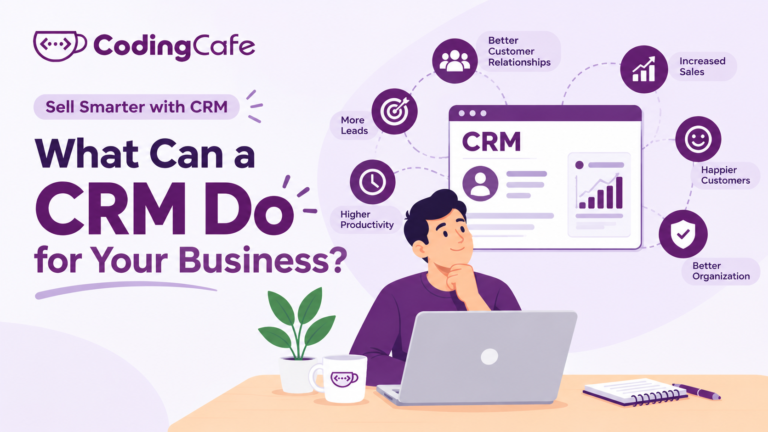
What Can a CRM Do for Your Business?
A CRM does six jobs for a business: it captures every enquiry, remembers each customer's history, reminds the team to follow up, hands work over when…
L2
Read
Lesson 2 · 6 min read
What Can a CRM Do for Your Business?
A CRM does six jobs for a business: it captures every enquiry, remembers each customer's history, reminds the team to follow up, hands work over when…
 L3
Read
Lesson 3 · 5 min read
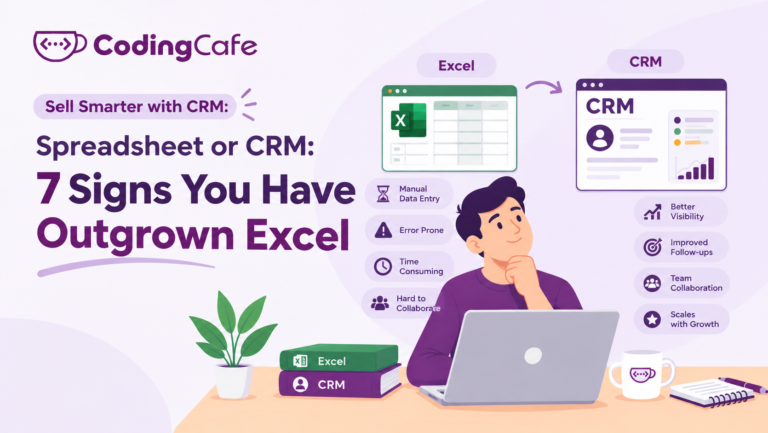
Spreadsheet or CRM: 7 Signs You Have Outgrown Excel
A business has outgrown spreadsheets for customers when there is more than one copy of the list, follow-ups have no owner, customer history lives in people's…
L3
Read
Lesson 3 · 5 min read
Spreadsheet or CRM: 7 Signs You Have Outgrown Excel
A business has outgrown spreadsheets for customers when there is more than one copy of the list, follow-ups have no owner, customer history lives in people's…
 L4
Read
Lesson 4 · 6 min read
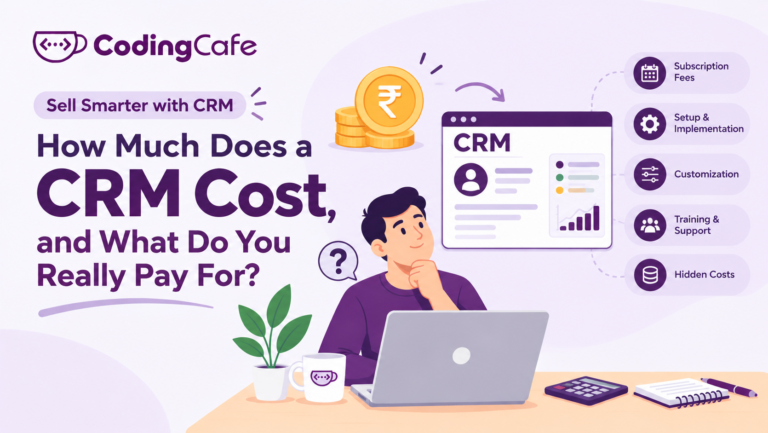
How Much Does a CRM Cost, and What Do You Really Pay For?
A CRM is paid for in one of two ways: a subscription per user per month, or a one-time custom build with a smaller yearly support…
L4
Read
Lesson 4 · 6 min read
How Much Does a CRM Cost, and What Do You Really Pay For?
A CRM is paid for in one of two ways: a subscription per user per month, or a one-time custom build with a smaller yearly support…
 L5
Read
Lesson 5 · 6 min read
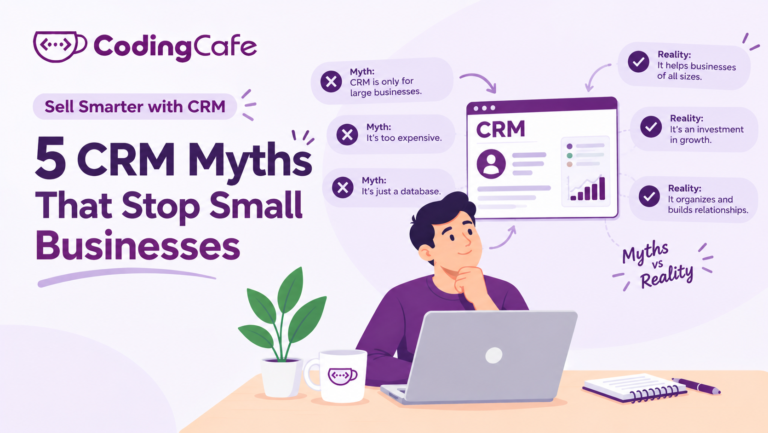
5 CRM Myths That Stop Small Businesses
The five beliefs that stop small businesses adopting a CRM are that it is only for big companies, that the team will not use it, that…
L5
Read
Lesson 5 · 6 min read
5 CRM Myths That Stop Small Businesses
The five beliefs that stop small businesses adopting a CRM are that it is only for big companies, that the team will not use it, that…
Module 2
Setting Up Your First CRM
Turning how your business already works into a CRM, before touching any software.
 L1
Read
Lesson 1 · 6 min read
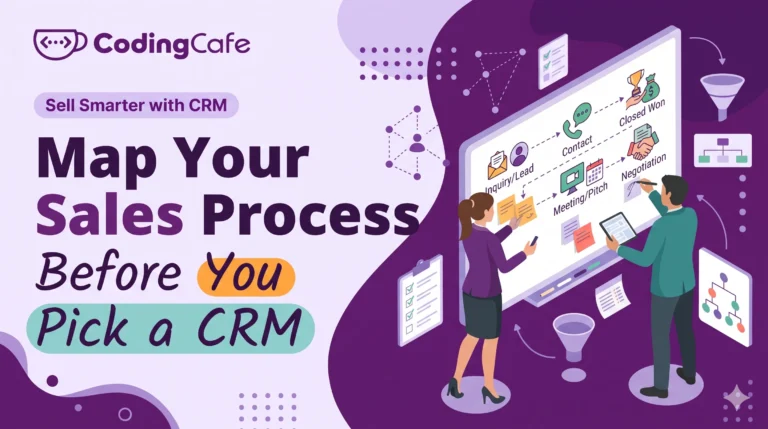
Map Your Sales Process Before You Pick a CRM
Before choosing a CRM, write down the stages a customer passes through in your business, from enquiry to repeat order. Find them by listing the steps…
L1
Read
Lesson 1 · 6 min read
Map Your Sales Process Before You Pick a CRM
Before choosing a CRM, write down the stages a customer passes through in your business, from enquiry to repeat order. Find them by listing the steps…
 L2
Read
Lesson 2 · 6 min read
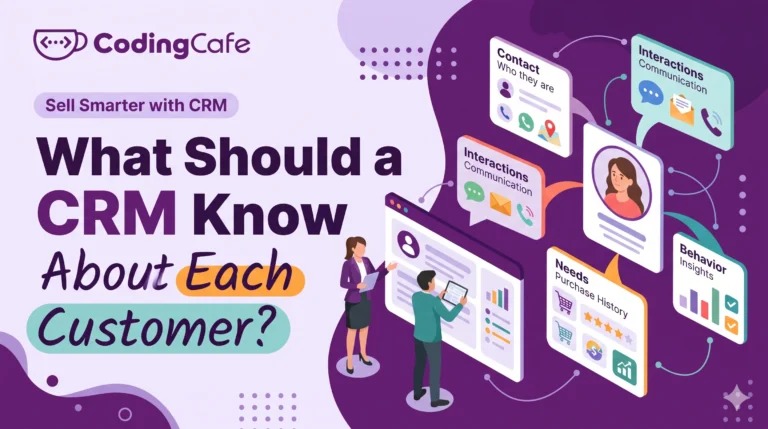
What Should a CRM Know About Each Customer?
A CRM should record only what someone will act on: who the customer is and where they came from, what they want, where the deal is…
L2
Read
Lesson 2 · 6 min read
What Should a CRM Know About Each Customer?
A CRM should record only what someone will act on: who the customer is and where they came from, what they want, where the deal is…
 L3
Read
Lesson 3 · 6 min read
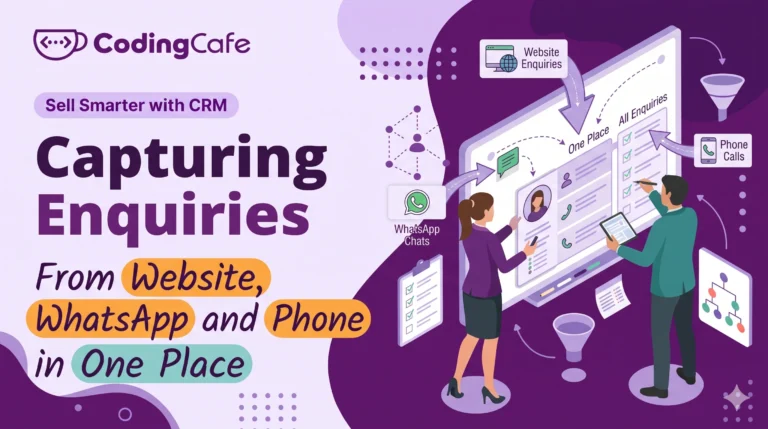
Capturing Enquiries From Website, WhatsApp and Phone in One Place
Enquiries reach a business through three kinds of door: website and portal forms, WhatsApp and social messages, and phone calls or walk-ins. Forms should create a…
L3
Read
Lesson 3 · 6 min read
Capturing Enquiries From Website, WhatsApp and Phone in One Place
Enquiries reach a business through three kinds of door: website and portal forms, WhatsApp and social messages, and phone calls or walk-ins. Forms should create a…
 L4
Read
Lesson 4 · 5 min read
Follow-Up Rules: The Part of a CRM That Makes Money
Most sales are lost because nobody followed up a second time, not because of price. A follow-up rule has a trigger, a first touch, a second…
L4
Read
Lesson 4 · 5 min read
Follow-Up Rules: The Part of a CRM That Makes Money
Most sales are lost because nobody followed up a second time, not because of price. A follow-up rule has a trigger, a first touch, a second…
 L5
Read
Lesson 5 · 6 min read
Getting Your Team to Actually Use the CRM
Teams use a CRM when it gives them something on day one (leads already entered, a today list, message templates), asks for only five fields, explains…
L5
Read
Lesson 5 · 6 min read
Getting Your Team to Actually Use the CRM
Teams use a CRM when it gives them something on day one (leads already entered, a today list, message templates), asks for only five fields, explains…
Module 3
Running Sales and Marketing on a CRM
The weekly rhythm once the CRM is live: reviews, automation, campaigns, reports.
 L1
Read
Lesson 1 · 6 min read
The 20-Minute Weekly Pipeline Review
A weekly pipeline review is twenty minutes, same time every week, run from the CRM screen with five fixed questions: what came in and from where,…
L1
Read
Lesson 1 · 6 min read
The 20-Minute Weekly Pipeline Review
A weekly pipeline review is twenty minutes, same time every week, run from the CRM screen with five fixed questions: what came in and from where,…
 L2
Read
Lesson 2 · 6 min read
CRM Automation for Small Teams: Reminders, Assignments and Alerts
Automate when and who, not what to say. For a small team the four rules that pay back first are auto-assigning new enquiries with a first-reply…
L2
Read
Lesson 2 · 6 min read
CRM Automation for Small Teams: Reminders, Assignments and Alerts
Automate when and who, not what to say. For a small team the four rules that pay back first are auto-assigning new enquiries with a first-reply…
 L3
Read
Lesson 3 · 5 min read
Email and WhatsApp Campaigns From Your CRM
A CRM campaign is a message to a segment, a group chosen by what the CRM knows about them, not a blast to everyone. Three campaigns…
L3
Read
Lesson 3 · 5 min read
Email and WhatsApp Campaigns From Your CRM
A CRM campaign is a message to a segment, a group chosen by what the CRM knows about them, not a blast to everyone. Three campaigns…
 L4
Read
Lesson 4 · 6 min read
5 CRM Reports Every Business Owner Should Read
A business owner needs five CRM reports on one screen: new enquiries by source with conversions, conversion by stage to find where deals are lost, response…
L4
Read
Lesson 4 · 6 min read
5 CRM Reports Every Business Owner Should Read
A business owner needs five CRM reports on one screen: new enquiries by source with conversions, conversion by stage to find where deals are lost, response…
 L5
Read
Lesson 5 · 5 min read
After the Sale: Using a CRM for Customer Service and Repeat Business
The first sale is the expensive one; everything after it is cheaper and mostly lost because nothing records or reminds. Keep service requests, renewal and re-order…
L5
Read
Lesson 5 · 5 min read
After the Sale: Using a CRM for Customer Service and Repeat Business
The first sale is the expensive one; everything after it is cheaper and mostly lost because nothing records or reminds. Keep service requests, renewal and re-order…
Module 4
Advanced CRM
Integrations, roles and data safety, custom workflows, and measuring the return.
 L1
Read
Lesson 1 · 6 min read
Connecting Your CRM to Accounts, Website and Ads
Connect the CRM to the systems your team retypes into most: website and ad lead forms first, so enquiries arrive in a minute with their source;…
L1
Read
Lesson 1 · 6 min read
Connecting Your CRM to Accounts, Website and Ads
Connect the CRM to the systems your team retypes into most: website and ad lead forms first, so enquiries arrive in a minute with their source;…
 L2
Read
Lesson 2 · 6 min read
Roles, Permissions and Keeping Customer Data Safe
Give CRM access by role, not by person: owner, sales manager, salesperson and support usually cover it. Limit export and delete to the owner, mask sensitive…
L2
Read
Lesson 2 · 6 min read
Roles, Permissions and Keeping Customer Data Safe
Give CRM access by role, not by person: owner, sales manager, salesperson and support usually cover it. Limit export and delete to the owner, mask sensitive…
 L3
Read
Lesson 3 · 5 min read
Custom Fields and Workflows: Making the CRM Fit Your Business
Custom fields hold the parts of your process a CRM did not come with, like visa type, unit status or dealer tier; workflows act when those…
L3
Read
Lesson 3 · 5 min read
Custom Fields and Workflows: Making the CRM Fit Your Business
Custom fields hold the parts of your process a CRM did not come with, like visa type, unit status or dealer tier; workflows act when those…
 L4
Read
Lesson 4 · 5 min read
Measuring CRM ROI: Is It Paying Back?
CRM return comes from more sales and time saved. Extra profit a year is enquiries per month times the rise in conversion times average sale times…
L4
Read
Lesson 4 · 5 min read
Measuring CRM ROI: Is It Paying Back?
CRM return comes from more sales and time saved. Extra profit a year is enquiries per month times the rise in conversion times average sale times…
Module 5
CRM in Your Industry
The whole series applied to immigration, real estate, manufacturing and sales teams.
 L1
Read
Lesson 1 · 5 min read
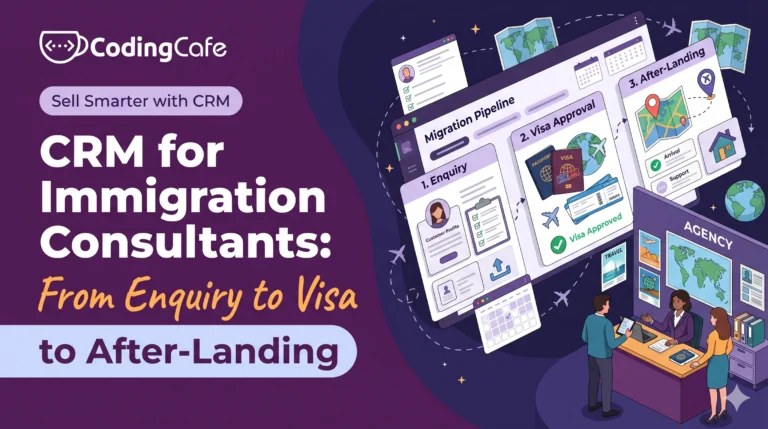
CRM for Immigration Consultants: From Enquiry to Visa to After-Landing
An immigration consultancy needs a CRM built around cases, not deals: stages from enquiry and eligibility through documents, filing and decision to after-landing services. The case…
L1
Read
Lesson 1 · 5 min read
CRM for Immigration Consultants: From Enquiry to Visa to After-Landing
An immigration consultancy needs a CRM built around cases, not deals: stages from enquiry and eligibility through documents, filing and decision to after-landing services. The case…
 L2
Read
Lesson 2 · 6 min read
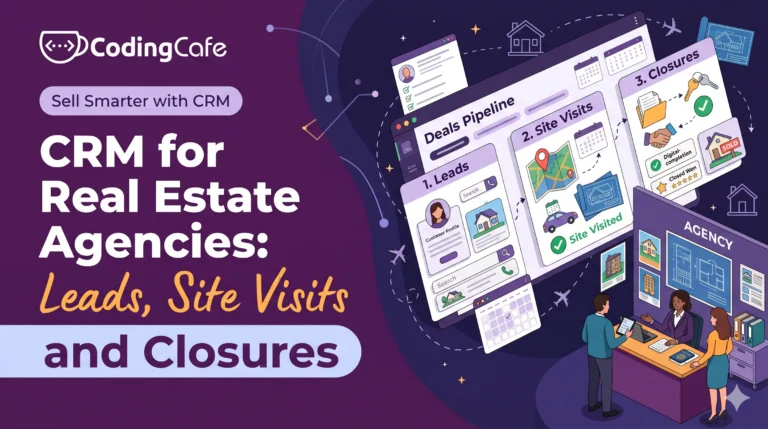
CRM for Real Estate Agencies: Leads, Site Visits and Closures
A real estate CRM is built around the site visit and the unit. Portal and ad leads arrive in a minute, assigned, with one record per…
L2
Read
Lesson 2 · 6 min read
CRM for Real Estate Agencies: Leads, Site Visits and Closures
A real estate CRM is built around the site visit and the unit. Portal and ad leads arrive in a minute, assigned, with one record per…
 L3
Read
Lesson 3 · 6 min read
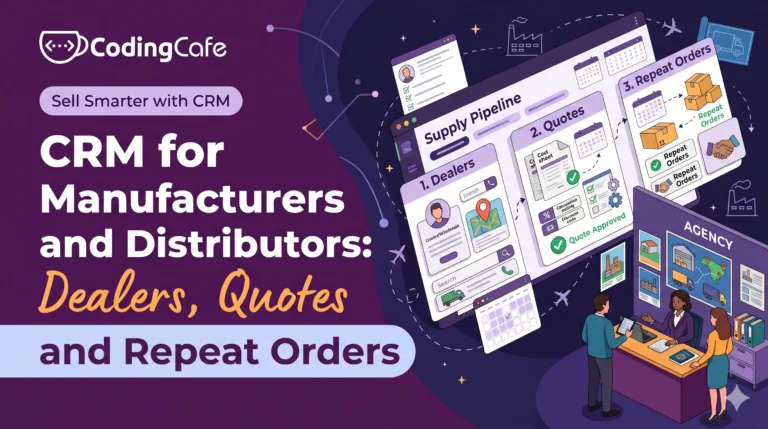
CRM for Manufacturers and Distributors: Dealers, Quotes and Repeat Orders
A manufacturer or distributor needs two pipelines in its CRM: one for winning new accounts (enquiry, quote, sample, first order) and one for keeping existing dealers…
L3
Read
Lesson 3 · 6 min read
CRM for Manufacturers and Distributors: Dealers, Quotes and Repeat Orders
A manufacturer or distributor needs two pipelines in its CRM: one for winning new accounts (enquiry, quote, sample, first order) and one for keeping existing dealers…
 L4
Read
Lesson 4 · 5 min read
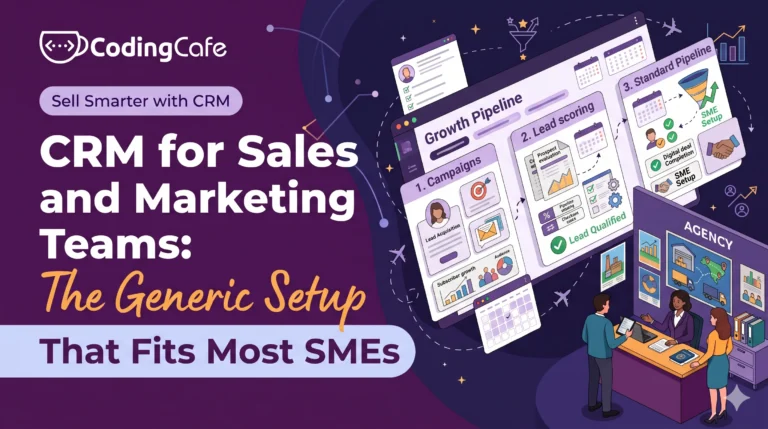
CRM for Sales and Marketing Teams: The Generic Setup That Fits Most SMEs
Most small sales-led businesses can run on one starter CRM setup: a six or seven stage pipeline from new enquiry to onboarding, six required fields, website,…
L4
Read
Lesson 4 · 5 min read
CRM for Sales and Marketing Teams: The Generic Setup That Fits Most SMEs
Most small sales-led businesses can run on one starter CRM setup: a six or seven stage pipeline from new enquiry to onboarding, six required fields, website,…
Planning a CRM for your business?
We design and build CRMs around the way your team already works. Tell us about your process and we will suggest the simplest setup that fits.

